Pixel Creator
Pixel Creator — Pose, animate, and customize character mannequins to instantly generate ready-to-use pixel art spritesheets.
Speed up your dev workflow by starting from a versatile block-out model. Easily adjust proportions, design unique poses, and set up fluid animations, then export the entire frame set as a PNG spritesheet ready to drop into your game engine or use as a base for manual polishing.
The software does 90% of the work, the remaining 10% is your imagination. Animate just once and generate an infinite number of different characters! The tool handles all frame management, camera angles, and proportions; you just need to draw over it and apply your style, without worrying about anatomy or perspective alignment.
Get Pixel Creator
FREE DEMO
Try the free version directly in your browser to test the workflow, the mannequin posing system, and the real-time animation timeline.
Note: Project export is disabled and canvas size is restricted in this version.
FULL VERSION
Unlock the complete toolset with zero restrictions:
- Full .PNG Spritesheet Export with native transparency
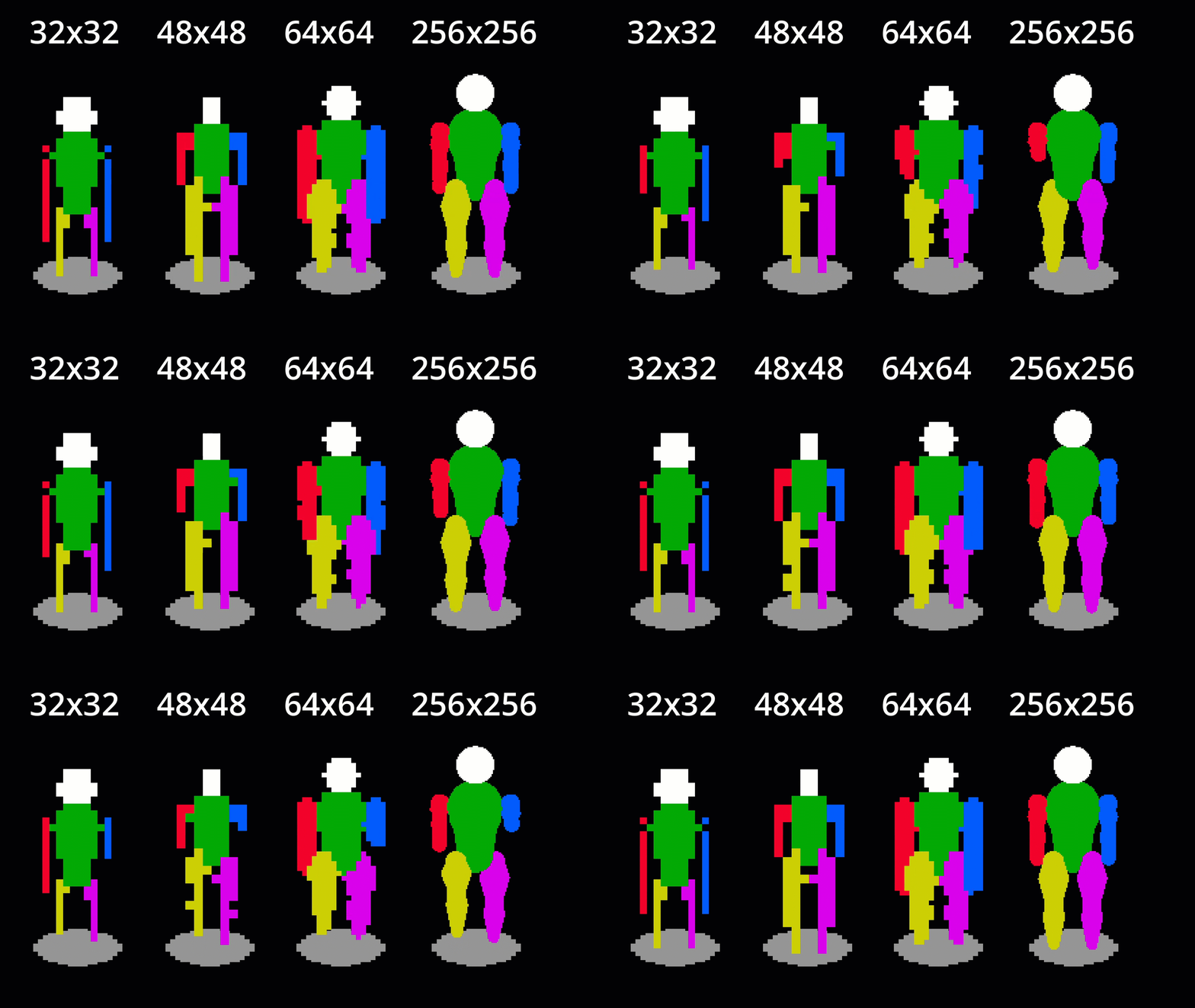
- Maximum Canvas Size: Up to 256x256 pixels for highly detailed sprites
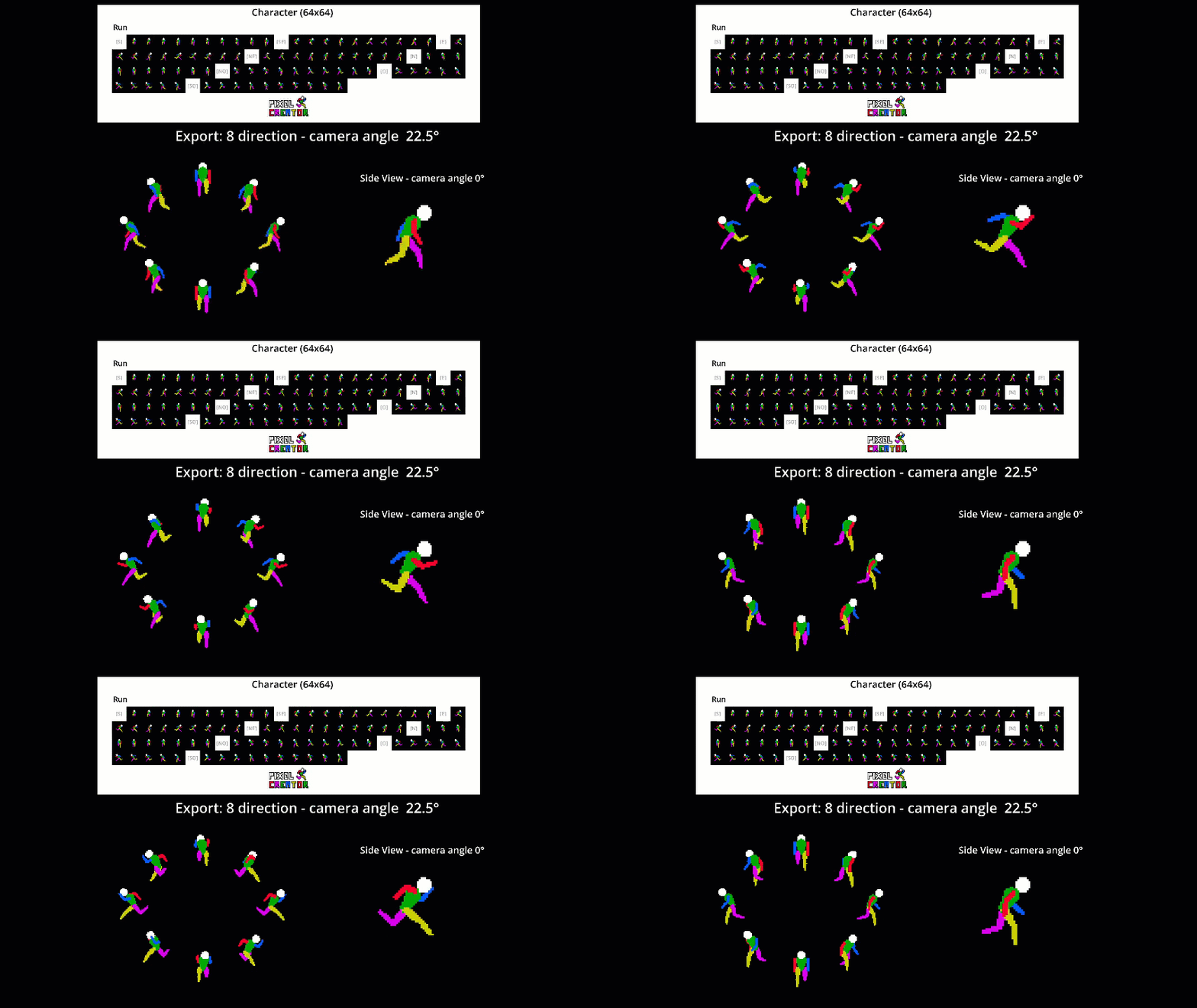
- All View Angles included: 0°, 22.5°, 45°, 67.5°, 90°
- Advanced multidirectional animations (both 4 and 8 directions)
- Project saving and loading enabled
- Future software updates included
Key Features & Benefits
Immediate Interface
No prior knowledge required. Open the app, tweak the sliders, and see the visual impact instantly. Perfect for Early Prototypes and Game Jams.
Automatic In-Between Generation
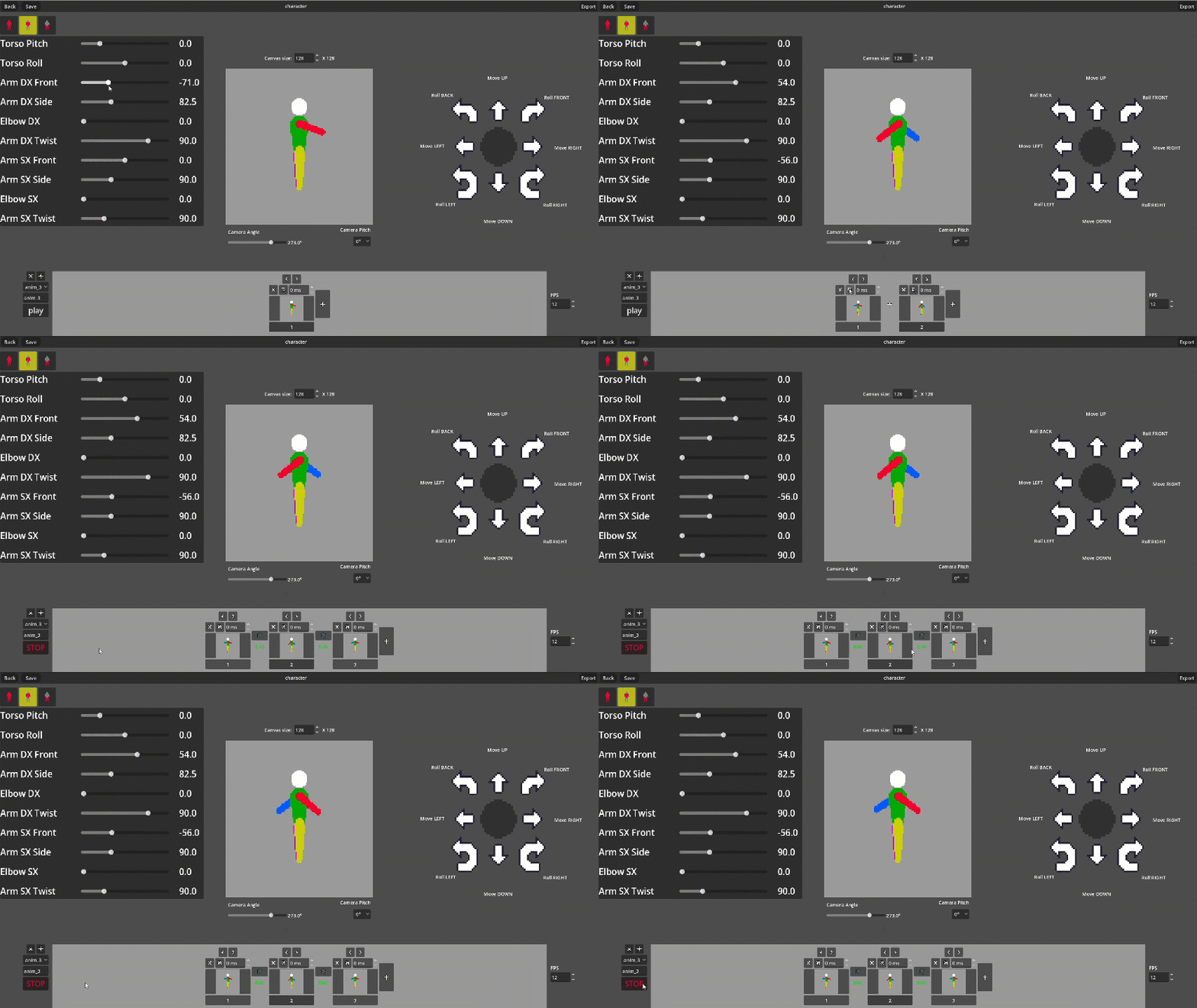
Forget the frustration of animating every single movement from scratch. Just set your keyframes, and the application automatically generates the intermediate frames, saving you hours of manual labor.
Flexible Block-out Mannequin
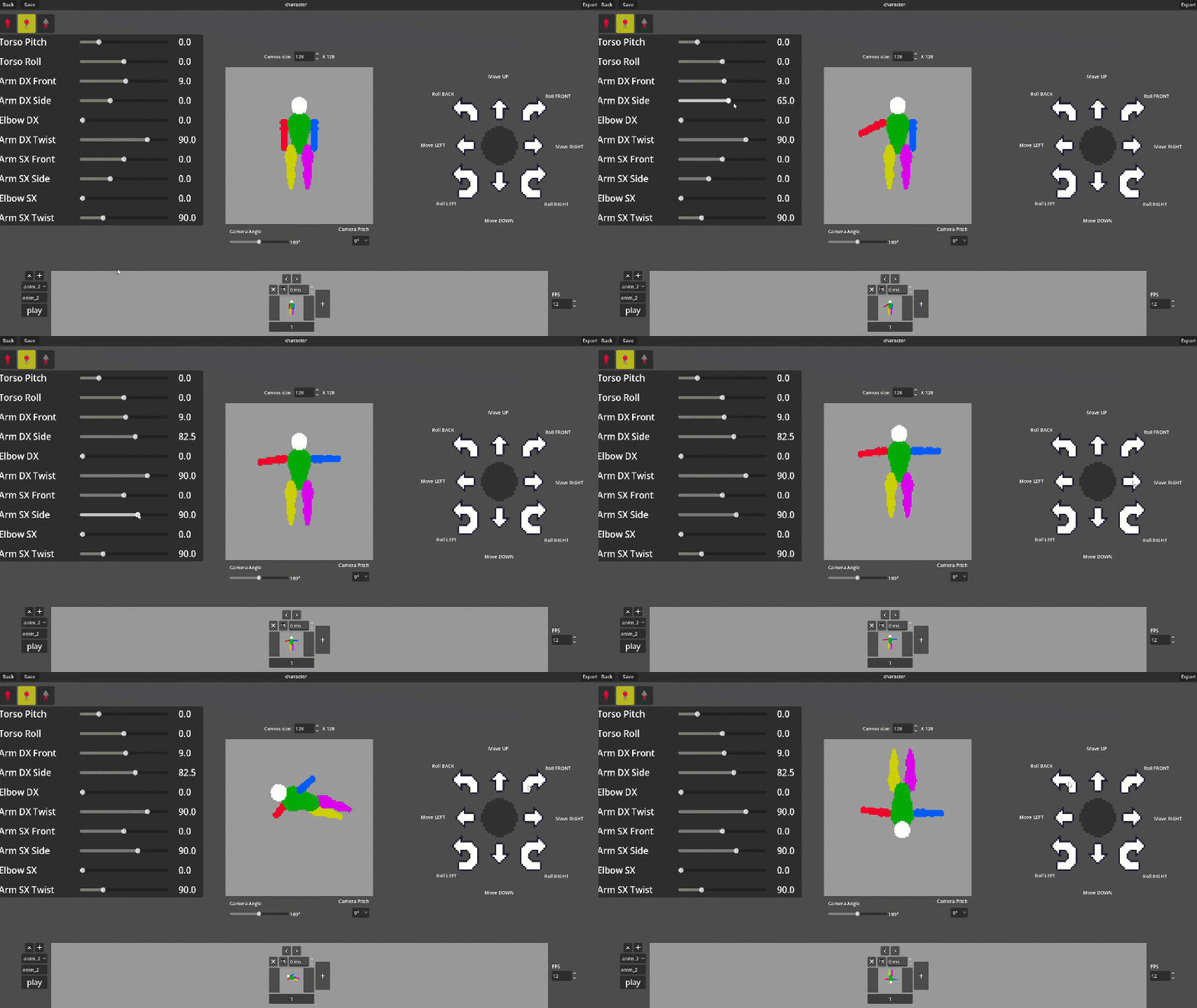
Build quick poses with simple shapes, ideal as a solid base for tracing and customization. You can move the character freely within the canvas to create any type of animation (jumps, dashes, hits).
Mass Character Generator
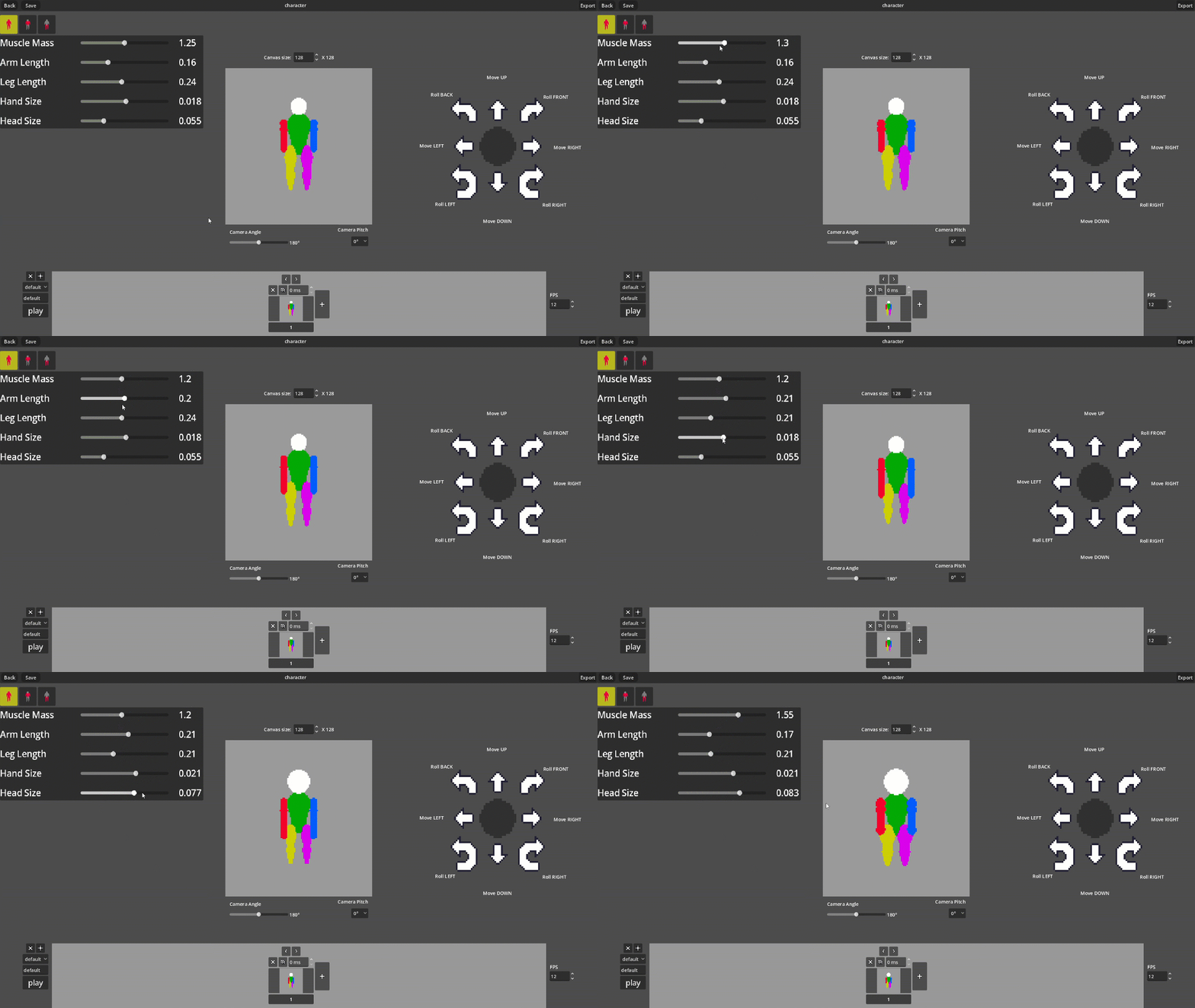
Reuse the same movement set to bring countless different characters to life by simply changing their body shapes, proportions, and canvas size.
Versatile View Angles & Directions
Adapt your sprites to any game genre thanks to selectable camera angles (0°, 22.5°, 45°, 67.5°, 90°) for top-down, isometric, or side-scroller styles, supporting both 4 and 8 animation directions.
Native Transparent Export & Compatibility
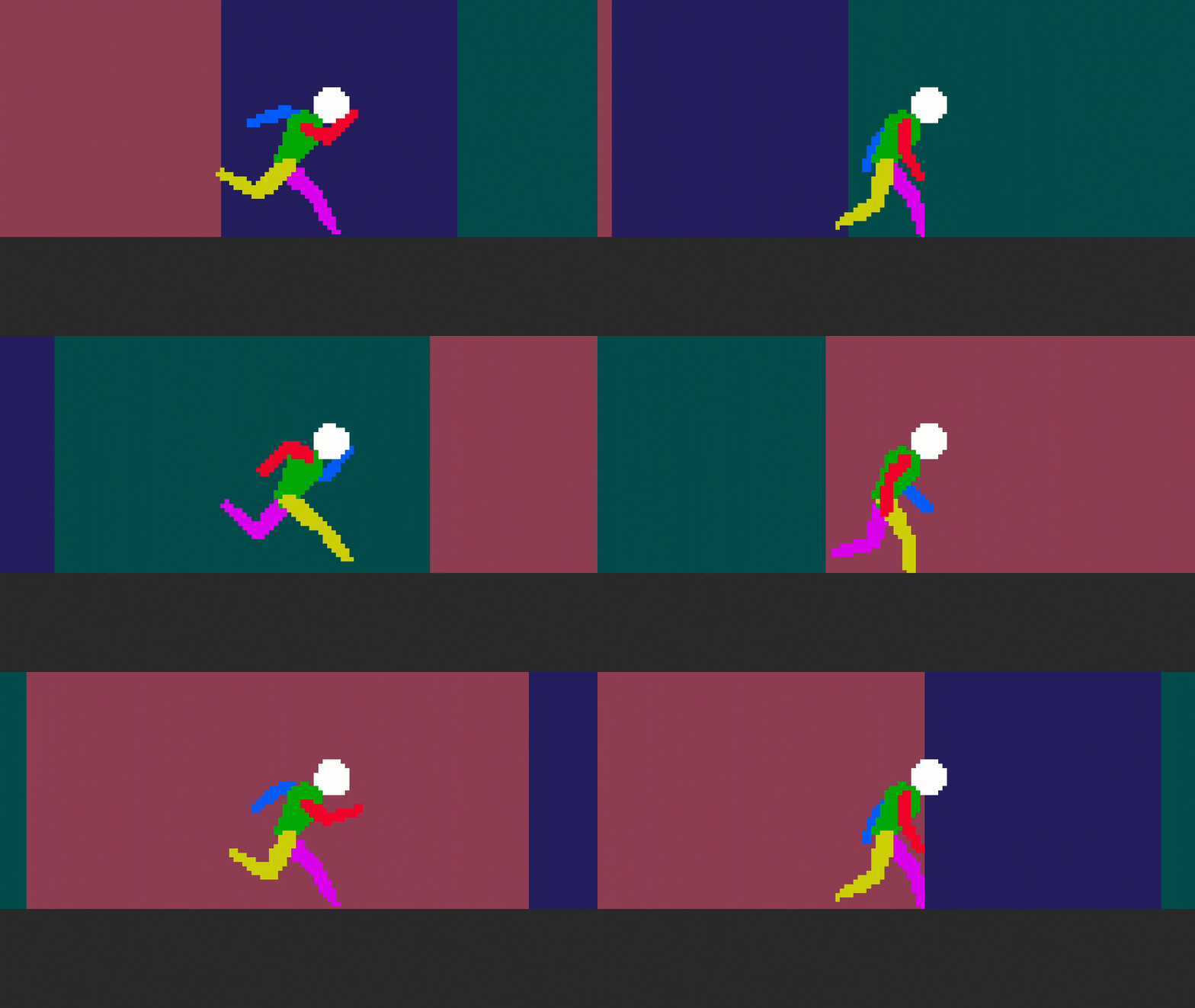
Get a PNG format spritesheet with native transparency, ready to import directly into Unity, Godot, GameMaker, or your favorite graphics editor.
Frequently Asked Questions (FAQ)
Do I need an internet connection to use the Free Demo or the Full Version?
The Demo can be run directly in your web browser. Once you purchase the Full Version, it runs completely offline on your computer. You will only need an internet connection to download future updates.
Can I use the exported sprites in commercial games?
Yes, absolutely. Everything you export from the Full Version is yours under the CC0 license. You can use your creation in paid games, free games, or commercial software without paying any royalties.
How do I import the exported spritesheet into my game engine?
Importing is seamless. When you export, the file details contain the exact frame dimensions used during generation. By looking at these values, you will instantly know how to set up the sprite slicing grid (cell size) in Unity, Godot, or any other engine without any guesswork.
Are future updates free?
Yes, all future core software improvements, bug fixes, and feature updates are completely free for Full Version owners. Optional thematic expansion packs or cosmetic DLCs might be sold separately in the future.
Can I save my projects or work-in-progress in the Free Demo?
No. The Free Demo is strictly for evaluation and preview purposes so you can test the interface, the mannequin, and the tool's responsiveness. Project saving, project loading, and PNG exporting are exclusive features of the Full Version.
Shape the Future of Pixel Creator!
Ideas? Bugs? Or just want to share your thoughts? Leave a comment down below!
License & Terms
Your Creations: Every asset, spritesheet, or artwork you export with Pixel Creator is under the CC0 license (Public Domain). Use them for indie games, commercial projects, or mods—no royalties, no strings attached.
The Tool: You are buying a license to use Pixel Creator for your projects. All I ask is that you do not resell, sublicense, or redistribute the tool itself, its source code, or the built-in base mannequins as your own standalone product.
Purchase
In order to download this tool you must purchase it at or above the minimum price of $12.45 USD. You will get access to the following files:
Leave a comment
Log in with itch.io to leave a comment.